The Full Tutorial: How To Upgrade The PS3's Hard Drive
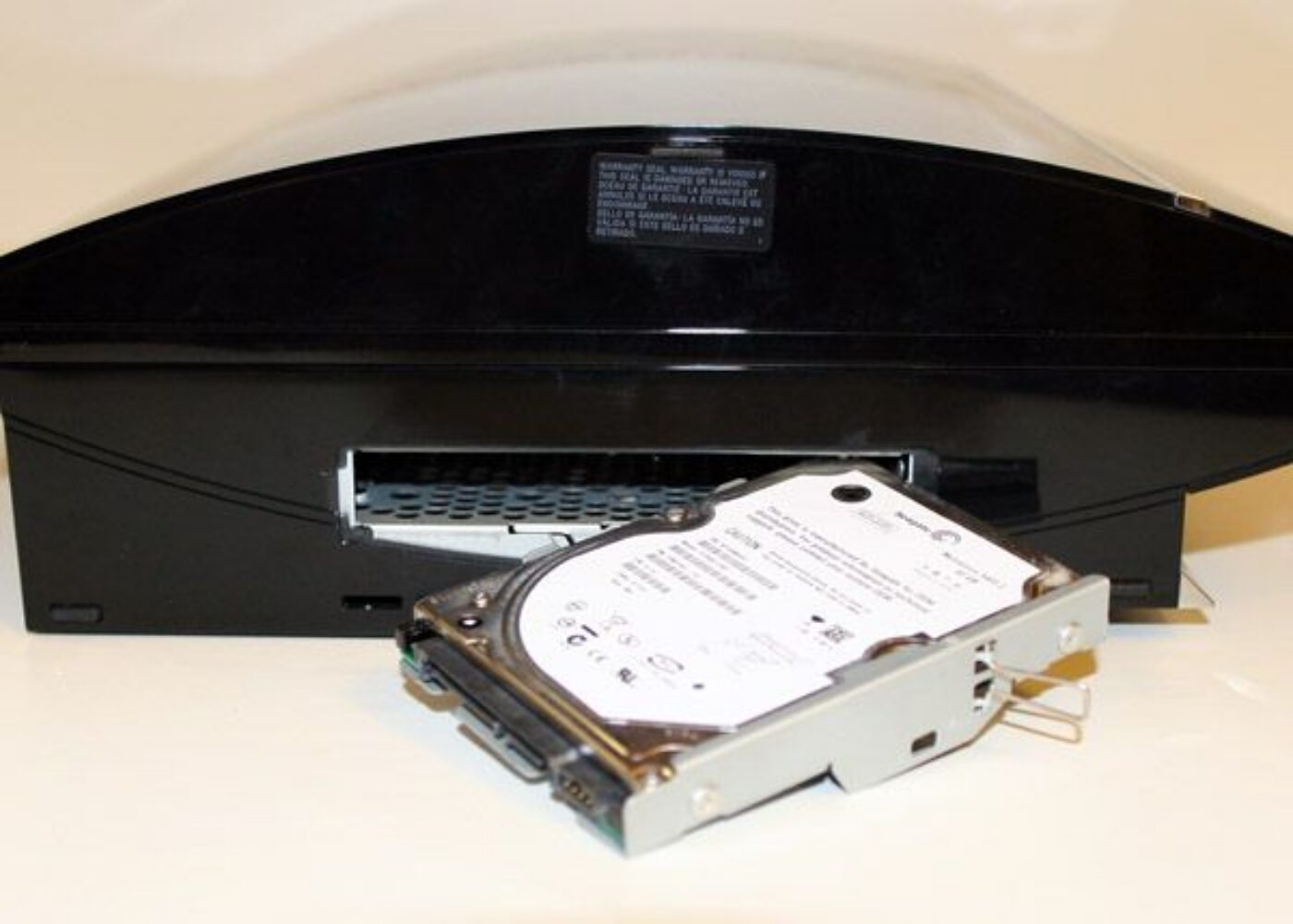
- Backup your data! Use a second usb drive to make a backup through the backup utility. Move important saves to the cloud saves storage. If you lose your data it's your own fault!
- Remove the old drive and install the new one. Unfortunately the person who made the video disabled embedding. Who knows why but the link to the video is http://www.youtube.com/watch?v=5sRkj89axOU
- Don't power on your Playstation 3 yet! If you do you'll get a message saying "The system software cannot be run correctly". Don't panic.
- Format a usb flash drive with a FAT32 file system.
- On the usb flash drive create a folder called PS3 and inside the PS3 folder create a folder called UPDATE.
- Download the latest version of PS3 firmware from here http://us.playstation.com/support/systemupdates/ps3/pc_update/index.htm
- What you will download is a file called PS3UPDAT.PUP. Put this file in the UPDATE folder on the usb flash drive.
- Take your usb flash drive from your PC and plug it in to your PS3.
- Connect a controller by cable.
- At the first screen warning press the PS button on the controller. You will now get another warning.
- Press and hold the 'start' and 'select' buttons at the same time briefly and you should launch in to the formatting and re-install process.
- Follow the prompts.
Once you've done all this you can then set about restoring your data, re-authorizing your accounts etc. One of the things a lot of us hope for is a performance increase in game load times and there is evidence that you can gain some of that via an SSD. Toms Hardware has some information here http://www.tomshardware.com/news/playstation-ps3-ssd-upgrade-loading,11811.html One of the thoughts was if a 7200 rpm drive would make a difference. While I'm sure it would I'd be concerned for heat issues with a drive that fast in such a small space. I think an SSD is the ideal situation at this point.